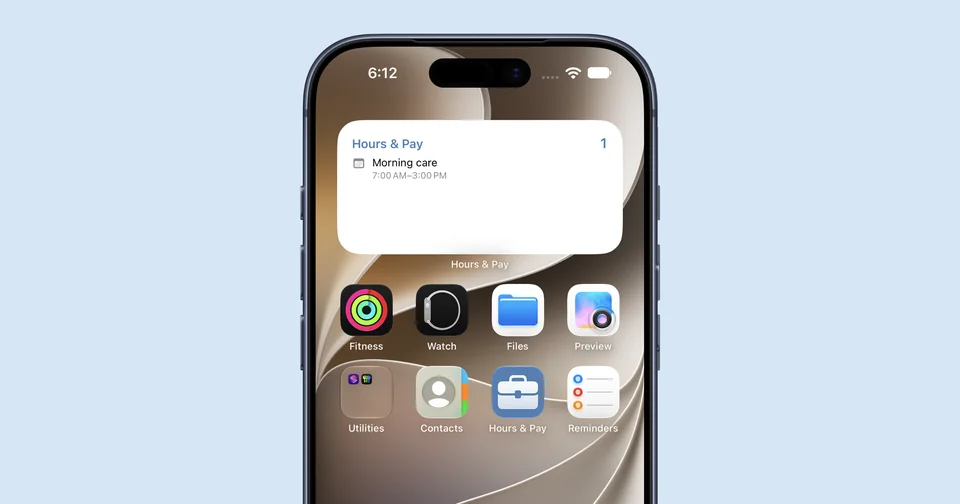
The right three reminders, all day

A reminder widget is only useful if it shows you something true at every glance. The Henkq widget reads the current time, picks the right Today segment, and surfaces the three reminders that fit. As the day moves from Morning to Afternoon to Evening, the widget moves with it. No manual switching, no settings to tweak.

Home Screen and Lock Screen

  • Small Home Screen widget. Glance-only. Shows the current segment label and the count of remaining reminders. Tap to open Henkq directly on Today.
  • Medium Home Screen widget. Interactive. Shows up to three reminder rows for the current segment. Tap a row to complete it without leaving your Home Screen. Tap the row title to open the editor.
  • Lock Screen widgets. Circular, rectangular, and inline layouts show the current segment and a calm glance at what is left. Segment tint shifts with Morning, Afternoon, and Evening.

Complete from your Home Screen

On iPhone and iPad, the medium widget is fully interactive. One tap completes a reminder. Henkq syncs the change to your other devices, and an undo toast appears the next time you open the app so a mistaken completion is never permanent.

Vault reminders never appear in the widget. Sensitive content stays in the Keychain and out of every shared surface, including the Home Screen.

How to add the Henkq widget

  1. Touch and hold an empty area of your Home Screen until the icons start to wiggle.
  2. Tap the plus in the top corner.
  3. Search Henkq in the widget gallery.
  4. Choose a size (Home Screen or Lock Screen) and tap Add Widget.
  5. Drag the widget to its place and tap Done.

The widget reads from the same engine as the app, so it is accurate from the first second after install.

Battery and privacy

The widget refreshes through the system on a calm schedule, not a constant timer. It does not run network requests, does not include any third party SDK, and only ever reads the unprotected reminders that already live on your device.

Available on iPhone and iPad

The Home Screen widget is shipped on iPhone and iPad today. On Apple Watch you have a separate complication-style view, and on Mac you can pin the Henkq window for a similar glance. See the full platform list.

Try the Henkq widget free for 30 days.

Download on the App Store