This month
Hours worked, evening and night, weekend, holiday, and estimated pay.
A Job is a work calendar. Entries on that Job become hours worked and estimated pay at your rates. That covers regular, evening, night, weekend, and holiday hours.

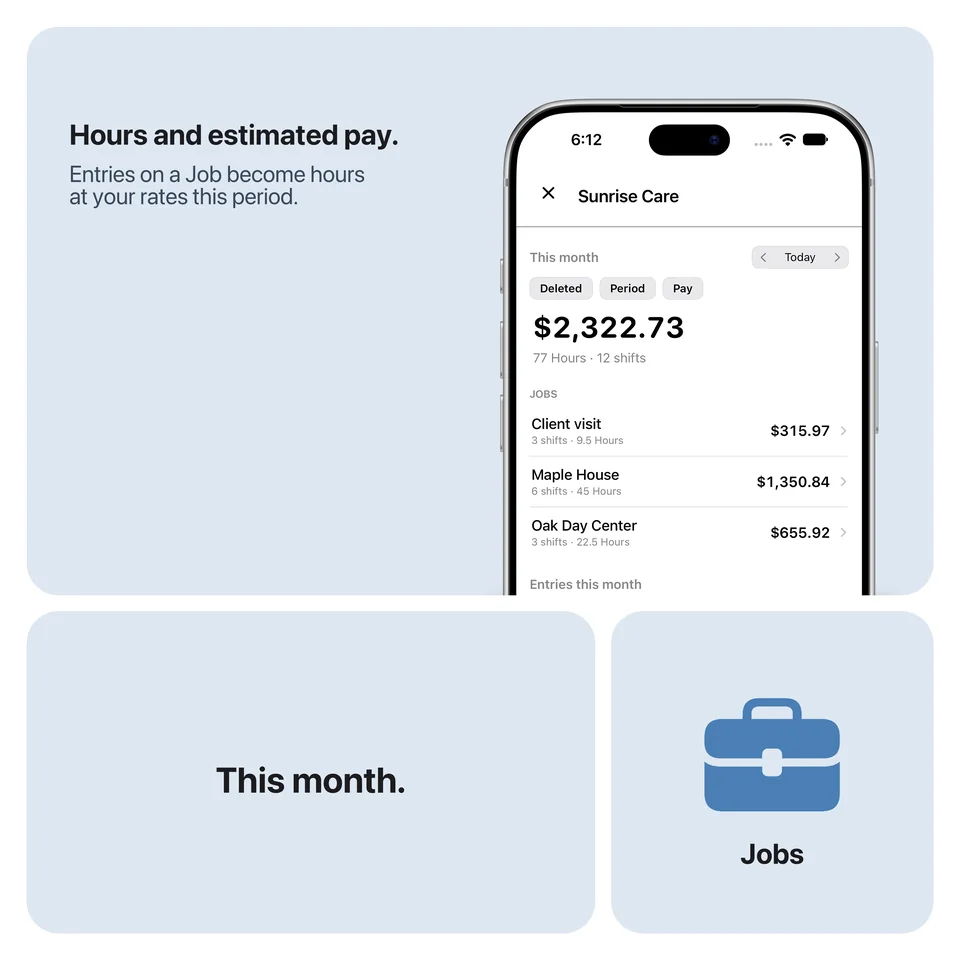
Set your hourly rate and the premium percentages for evening, night, Saturday, Sunday, and holidays. A minimum break comes off the hours. Kilometers and a rate per kilometer add travel pay when you want that. A bonus holiday pay or a correction goes on the period as an extra. A minus is a deduction. Open This month or the payslip for a from to range. The amount uses your rates. It is not an official payslip and it does not calculate tax.
A shift from 18:00 to 23:00 is five hours. If the Job takes a 30 minute break off, 4.5 hours count. At 15 euro per hour that is 67.50 euro before premiums. Premiums only add on top when your rates have them. Your own rates give your own amount, and it stays an estimate.
Hours worked, evening and night, weekend, holiday, and estimated pay.
Hourly rate, premiums for evening, night, Saturday, Sunday, and holidays, plus break and kilometers.
Pick a period, include extras such as a bonus, and share the overview. An estimate, with no tax.