Calendar
Your shifts are appointments with a start and an end time.
Put your shifts on the calendar. Hours Tracker counts the hours and shows estimated pay at your rates.

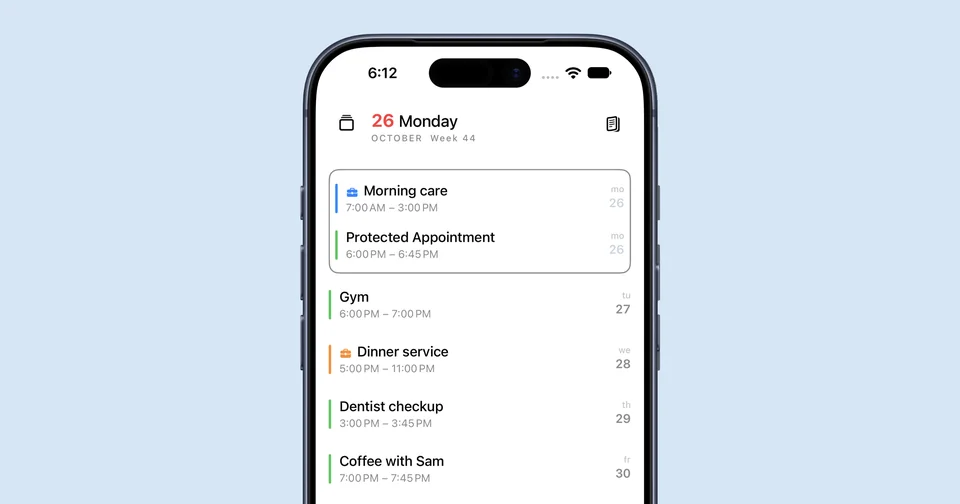
Add an appointment with a start and an end time and put it on a Job. Those hours count toward this month. Your rates add evening, night, weekend, and holiday premiums, and a minimum break comes off the hours. Open the payslip for any from to range. The amount is an estimate. It is not payroll and it has no tax. Hours Tracker runs on iPhone, iPad, and Mac. Apple Watch and Apple Vision Pro show and complete appointments.
A shift from 18:00 to 23:00 is five hours. If the Job takes a 30 minute break off, 4.5 hours count. At 15 euro per hour that is 67.50 euro before premiums. Premiums only add on top when your rates have them. Your own rates give your own amount, and it stays an estimate.